




Blogs
Amazon glossary
ASIN, BSR, ACoS, Buy Box: plain definitions of the Amazon terms sellers use every day, and what each one means for your conversion.
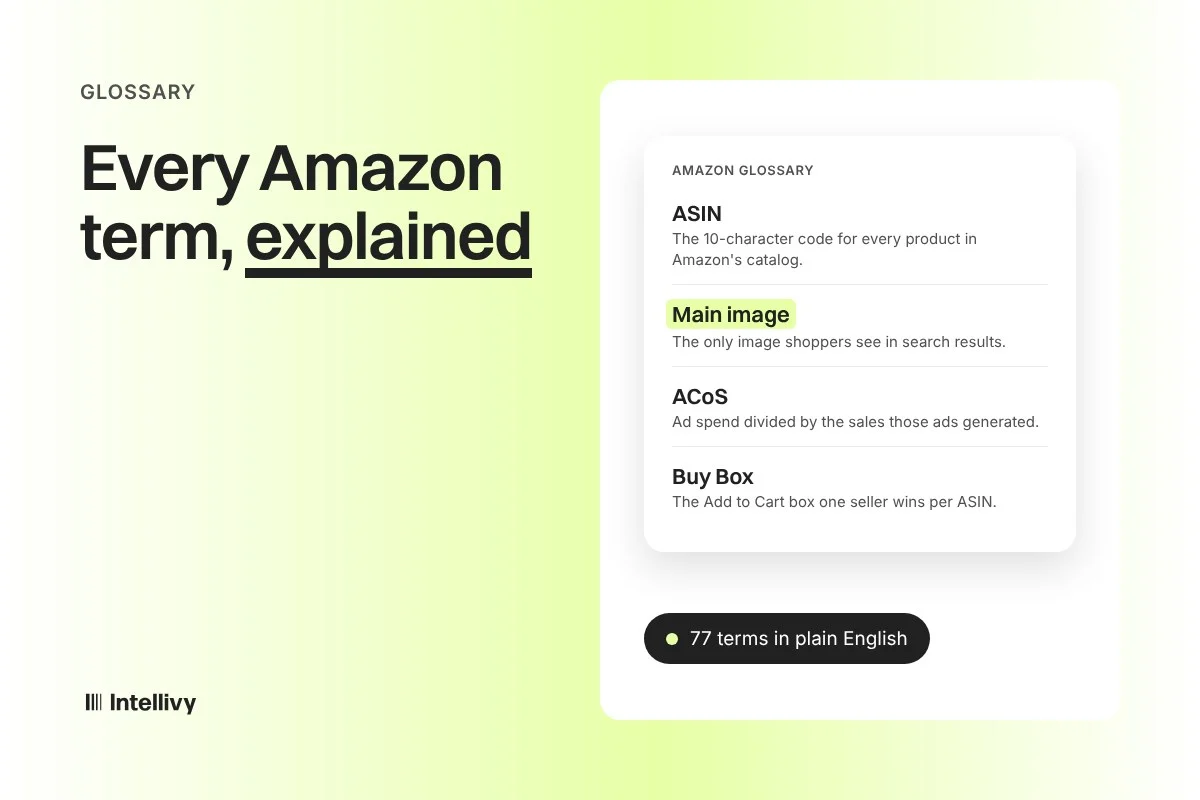
The Amazon terms that decide whether shoppers buy
This Amazon glossary explains the terms sellers and agencies use every day, from ASIN and Buy Box to ACoS and conversion rate. Each definition is short and practical. Where a term affects whether shoppers buy, we show how you can test it with real consumers before you change your listing.
Listing and content
ASIN (Amazon Standard Identification Number)
The 10-character code Amazon gives every product in its catalog. One ASIN is one product page, shared by every seller who offers that exact item.
Listing
The product detail page shoppers see: title, images, bullet points, description, A+ content, price and reviews. It’s where the click turns into a sale, or doesn’t.
Product title
The headline of your listing and the first text shoppers read in search results. It carries your main keywords, and on mobile only the first part is visible.
Bullet points
The five short feature lines under the price, also called key product features. Shoppers scan them to check whether the product fits their need.
Product description
The longer text further down the page. For brand-registered sellers, A+ content usually replaces it.
Main image
Also called the hero image. The first image in your listing and the only one shoppers see in search results. Amazon requires a pure white background and the product filling most of the frame. It decides more clicks than any other element, which is why it’s worth testing with an Image Impact Poll before you shoot a new one.
Image stack
The secondary images after the main image: lifestyle shots, infographics, size charts, comparisons. The order matters, because many shoppers never swipe past the third or fourth image. An Image Stack Poll shows which order sells.
Infographic
A product image with text, icons or callouts that explains features or dimensions at a glance. It works when shoppers can read it on a phone in a second or two.
A+ content
The visual modules below the bullet points, available to brand-registered sellers. A+ builds trust and answers objections with images and comparison charts. An A+ Content Poll lets shoppers view yours for about 15 seconds, like real browsing, and tells you if it builds preference.
Premium A+ content
An extended version of A+ with larger modules, video and interactive elements. Amazon sets its own eligibility rules for it.
Brand Story
A scrolling carousel above A+ content that introduces the brand and links to other products and the Brand Store.
Variations (parent and child ASINs)
Products that differ only in size, color or another attribute, grouped under one parent listing. Reviews are usually shared across the family.
Brand Store (Storefront)
A free multi-page shop on Amazon for brand-registered sellers, with its own URL. Useful as a landing page for ads and social traffic.
Backend search terms
Hidden keywords you add in Seller Central. Shoppers don’t see them, but Amazon uses them to match your listing to searches. The field has a byte limit, so use it for synonyms and terms that don’t fit in your title or bullets.
Search and ranking
Amazon search algorithm (A9, A10)
The system that decides which products show up for a search and in what order. Sellers call it A9 or A10; Amazon doesn’t use those names itself. Sales velocity, relevance and conversion rate all weigh in.
Organic rank
Your position in search results without paying for it. It rises when shoppers who search a keyword click your listing and buy.
Indexing
Whether Amazon shows your listing for a keyword at all. If a keyword isn’t indexed, no amount of ad spend makes it rank organically.
Keyword stuffing
Cramming as many keywords as possible into a title or bullets. It makes the listing harder to read, and Amazon can suppress titles that break its style rules. Write for shoppers first.
Search results page
The grid or list shoppers see after a search. Here your main image, title, price, rating and badges compete with every other product on the page. A Marketplace Poll tests your listing in a simulated search view like this one.
Best Sellers Rank (BSR)
A number that shows how well a product sells compared with others in the same category, updated about hourly. Lower is better. It reflects recent sales, not reviews or profit. Sellers also call it category ranking.
Buy Box (Featured Offer)
The Add to Cart and Buy Now box on a product page. When several sellers offer the same ASIN, Amazon picks one offer to win it, based on price, fulfillment, delivery speed and seller performance.
Amazon’s Choice
A badge Amazon gives to products it recommends for a specific search term, often well-rated, well-priced items with fast shipping.
Best Seller badge
A badge for the best-selling product in a subcategory. It changes as sales move.
Rufus
Amazon’s AI shopping assistant. Shoppers ask it questions in plain language, and it answers using listing content, reviews and Q&A. Clear titles, bullets and A+ content help it describe your product correctly.
Keyword research
Finding the words shoppers type when they look for a product like yours. It tells you what people search for, not why they’d pick you once they see the results.
Advertising
PPC (pay-per-click)
Advertising where you pay each time a shopper clicks your ad. On Amazon it usually means Sponsored Products, Sponsored Brands and Sponsored Display.
Sponsored Products
Ads for a single product that appear in search results and on product pages. For most sellers, this is where the ad budget goes first.
Sponsored Brands
Ads with your logo, a custom headline and several products, usually shown at the top of search results. Requires Brand Registry.
Sponsored Display
Ads that reach shoppers on and off Amazon based on what they viewed or bought.
ACoS (advertising cost of sales)
Ad spend divided by the sales those ads generated. If you spend $30 and the ads bring in $100 in sales, your ACoS is 30%. Lower means more efficient ads.
TACoS (total advertising cost of sales)
Ad spend divided by your total sales, organic and paid together. It shows whether ads are building the business or just buying the same sales.
ROAS (return on ad spend)
Ad sales divided by ad spend: the inverse of ACoS. An ACoS of 25% equals a ROAS of 4.
CPC (cost per click)
What you pay on average for one click on your ad.
Match types
How closely a search has to match your keyword before your ad shows: broad, phrase or exact.
Manual and automatic targeting
With automatic targeting, Amazon picks the searches and products your ad shows for. With manual targeting, you choose the keywords or products yourself and set bids per target.
Negative keywords
Search terms you exclude so your ads stop showing for them. They cut spend on clicks that rarely convert.
Amazon DSP
Amazon’s demand-side platform for programmatic display and video ads, on and off Amazon, often bought through an agency.
Lightning Deals
Short, time-limited discounts shown on Amazon’s deals page, with a countdown and a limited number of units. They create urgency and can lift sales rank fast.
Ads bring shoppers to your listing. Whether they buy depends on the listing itself, which is why a better main image or title often lowers ACoS more than a bid change. We wrote about that in how listing optimization lowers your PPC costs.
Fulfillment and account
FBA (Fulfillment by Amazon)
You send inventory to Amazon’s warehouses and Amazon stores, picks, packs and ships it, and handles returns. FBA listings qualify for Prime.
FBM (Fulfillment by Merchant)
You store and ship orders yourself or through your own logistics partner.
Seller Fulfilled Prime (SFP)
You ship orders yourself but meet Amazon’s Prime delivery standards, so your listing carries the Prime badge.
Seller Central
The dashboard for third-party (3P) sellers: listings, orders, ads, reports and account health.
Vendor Central
The portal for first-party (1P) vendors who sell wholesale to Amazon. Amazon then sets the retail price and sells the product itself.
Referral fee
The commission Amazon charges on every sale, a percentage of the sales price that depends on the category. FBA fees come on top.
Selling Partner API (SP-API)
Amazon’s interface that lets software connect to your seller account, for things like orders, inventory, listings and reports. Most seller tools run on it.
Brand Registry
Amazon’s program for brand owners with a registered or pending trademark. It unlocks A+ content, Sponsored Brands, Brand Stores, Brand Analytics and Manage Your Experiments.
Inventory Performance Index (IPI)
A score for how efficiently you manage FBA inventory. A low score can limit how much you’re allowed to store.
Account Health
Amazon’s overview of your performance against its policies, such as order defect rate, late shipments and policy violations. Poor account health can lead to suspension.
Listing hijacking
When another seller attaches to your listing and sells a copy or a counterfeit of your product. It can cost you the Buy Box and hurt your reviews. Brand Registry gives you tools to report it.
Prime
Amazon’s paid membership with fast free delivery. The Prime badge on a listing often lifts conversion.
Prime Day
Amazon’s yearly sales event for Prime members, usually in July. Many sellers test images and offers in the weeks before, so the listing is ready when traffic peaks.
Q4
The last quarter of the year, with Black Friday, Cyber Monday and the holidays. Higher traffic, higher ad costs and less room to experiment.
Metrics
Sessions
The number of visits to your product page within 24 hours, counted once per visitor. It’s the traffic number most sellers work with.
Page views
Every time your product page loads, including repeat views in the same session.
Click-through rate (CTR)
The share of shoppers who click your listing after seeing it in search results. Main image, title, price, rating and badges drive it. Our guide on improving your Amazon CTR goes deeper.
Conversion rate (Unit Session Percentage)
The share of sessions that end in a purchase. In Seller Central it’s reported as Unit Session Percentage. A listing with plenty of sessions and a low conversion rate has interest it isn’t turning into sales yet.
Brand Analytics
Amazon’s reports for brand-registered sellers, including top search terms and Search Query Performance.
Search Query Performance
A Brand Analytics report that follows a keyword from impressions to clicks, add-to-carts and purchases, for your brand and for the market. It shows where in the funnel shoppers drop off. It doesn’t show why.
Star rating
The average review score on your listing, from one to five stars. Shoppers filter on it and compare it in search results.
Verified Purchase review
A review from a shopper Amazon has confirmed bought the product on Amazon. Shoppers trust these more than other reviews.
Return rate
The share of units sent back. A high return rate often points to a gap between what the listing promises and what the product delivers.
Customer lifetime value (CLV)
The total revenue or profit one customer brings in over time. Products that people buy again, such as consumables, can afford a higher cost per first sale.
Research and testing
Manage Your Experiments (MYE)
Amazon’s built-in A/B testing tool for brand-registered sellers. It splits live traffic between two versions of a title, main image or A+ content. It needs enough traffic and usually runs for weeks. Read why A/B testing on Amazon often falls short.
A/B test (split test)
Comparing two versions of one element to see which performs better. On a live listing that means waiting for traffic. With a poll, real consumers compare both versions side by side and you have answers in 24 to 48 hours.
Consumer poll
A short test where real consumers look at your images, titles or content and tell you what they’d choose and why. Intellivy reaches 55M+ real consumers in 17 countries, with 100+ targeting options.
Purchase barrier
The reason a shopper who is interested still doesn’t buy: an unclear image, a missing detail, a price that doesn’t feel right. A Purchase Barrier Poll finds it in shoppers’ own words, before you change the listing.
Product validation
Checking whether shoppers want a product, and at what price, before you order inventory or launch. See our guide to product validation on Amazon.
Concept testing
Showing a product idea, design or packaging to your target audience before it exists, to see which version they prefer and why.
Simulated test market
A test where shoppers see your product in a setting that looks like the real store, with competitors, prices and ratings around it. You see how it holds up before you spend on inventory or ads. Our Marketplace Poll works this way.
Price testing
Finding the price shoppers find fair for your product. Common methods are Van Westendorp, which asks at what price a product feels too cheap or too expensive, and monadic testing, where each group sees only one price. More in our Amazon pricing strategy guide.
In-home usage test (IHUT)
Shoppers use your product at home and report back on what they think. See in-home product testing.
Consumer panel
A group of people who take part in research. What matters is who they are and whether they answer the way they’d shop. More in our guide to online consumer panels.
Target market segmentation
Splitting a market into groups by traits like age, gender, income or interests, so you can test with the shoppers who would actually buy. Intellivy offers 100+ targeting options. Read more about bullseye targeting.
Consumer behavior research
Studying why shoppers click, compare, buy or leave. Sales data shows what they do. Asking them shows why.
Market research methods
The ways to learn what your market wants: surveys, polls, interviews, focus groups, in-home tests and data analysis. The right one depends on the question and the time you have.
Amazon market research tools
Software for keyword, sales and competitor data, such as estimated sales, price history and search volume. These tools show where demand is. A consumer poll adds why shoppers choose one product over another.
Conversion story
Our term for a listing that answers, in the right order, what shoppers need to see before they buy: from main image to A+ content. We build it from what real consumers tell us.
Frequently asked questions
What’s the difference between ACoS and TACoS?
ACoS compares ad spend with ad sales only. TACoS compares ad spend with all your sales, organic included. A falling TACoS means your ads are helping organic sales grow.
Where do I see my Amazon conversion rate?
In Seller Central, under Business Reports, as Unit Session Percentage. Compare it per ASIN and over time, not with a general benchmark.
How do I find out why my listing doesn’t convert?
The numbers show where shoppers drop off. Real consumers tell you why. A Purchase Barrier Poll gives you their reasons in their own words, in 24 to 48 hours, from $0.65 per shopper.
Should I use Manage Your Experiments or a poll?
Use MYE to confirm a change on a listing with steady traffic. Use a poll to choose between options before you go live, or when traffic is too low for a reliable A/B test.
Your listing has potential it isn’t using yet
Our free Growth Scan shows the growth potential of one listing and the barriers that stand out first.
Related articles
-
Blogs
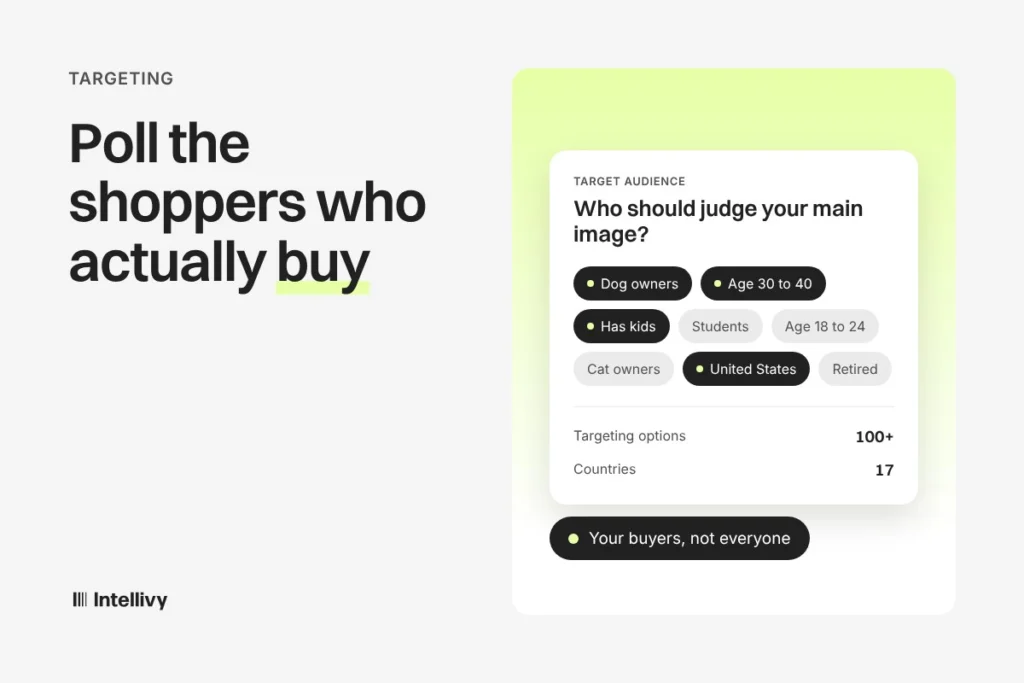
Bullseye targeting for Amazon polls
Test your listing with the shoppers who'd actually buy it. How to pick the right audience for an Amazon poll, step by step.
Read more: Bullseye targeting for Amazon polls -
Blogs
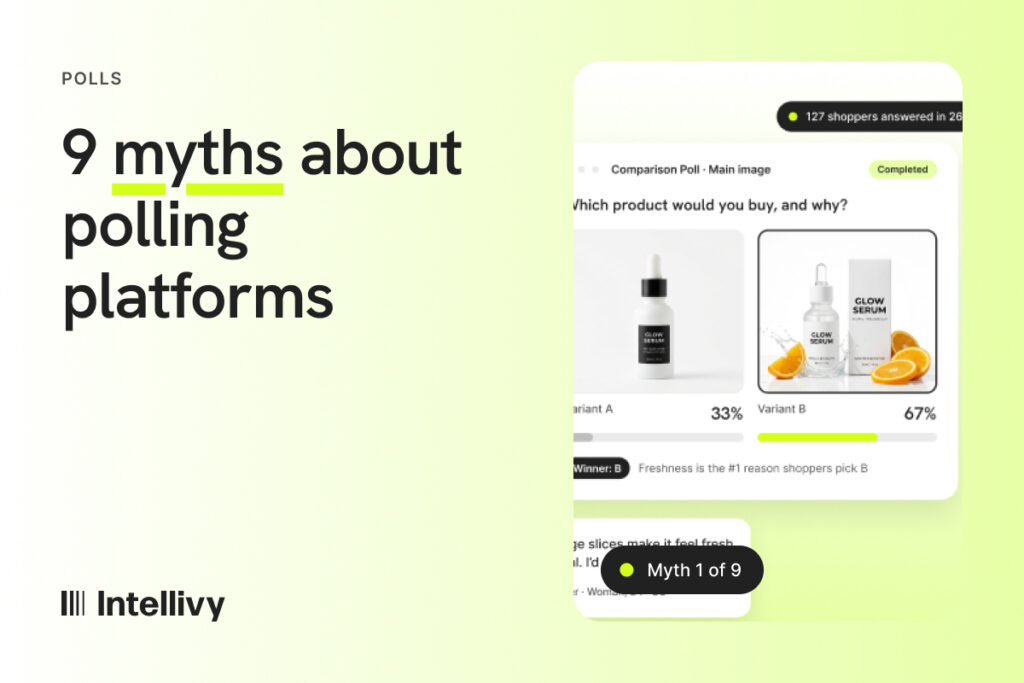
9 Things Amazon Sellers Believe About Polling Platforms That Simply Aren’t True
We address all 9 of them directly. Because making listing decisions without real data is one of the most expensive things an Amazon seller can do.
Read more: 9 Things Amazon Sellers Believe About Polling Platforms That Simply Aren’t True -
Blogs
In-Home Product Testing: The Smarter Way to Launch Winning Products
Reduce risk and validate market fit with in-home usage testing. Learn how in-home product testing helps sellers launch with confidence.
Read more: In-Home Product Testing: The Smarter Way to Launch Winning Products